Categories
Hot Products
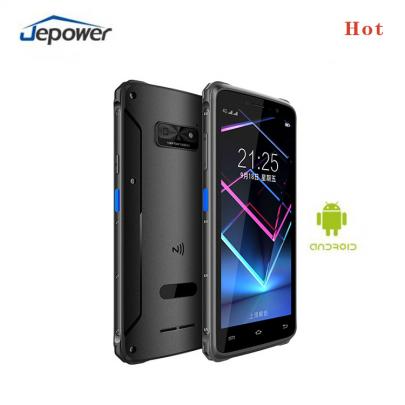
pda android Barcode Scanner pda with rugged android smart terminal 2d barcode scanner pda14.0 handheld pda device model:HT518-F20 Android14 touch screen 4GB+64GB 5.45inch More

NB55 Android 13 Handheld POS Terminal 58mm Printer NFC model:NB55 4G/3G/GPRS Android 13 5MP camera 5.5inch 3GB+16GB More
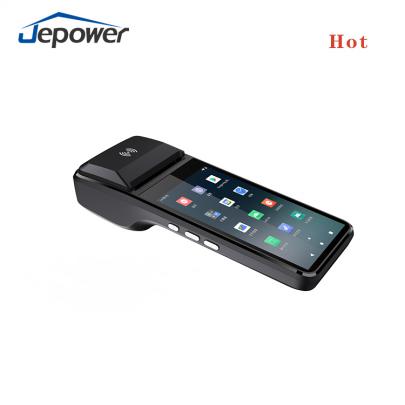
5.0 Inch Android 11 NFC 1D 2D Code Handheld pos Terminal with 58mm Printer model:H8 4G/3G/GPRS Android 11 5MP camera 5.0inch More
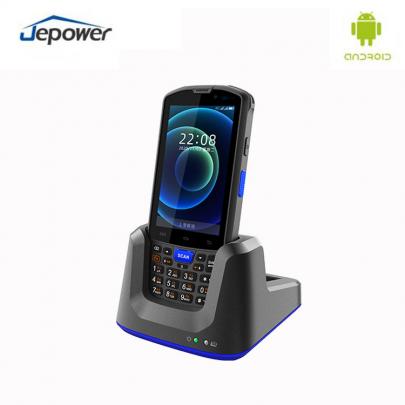
Android14.0 Rugged Pda android Barcode Scanner pda handheld uhf rfid reader pdas scanner android pda model: HT518D-F7 Android 14.0 physical keypad 4GB+64GB 4inch More
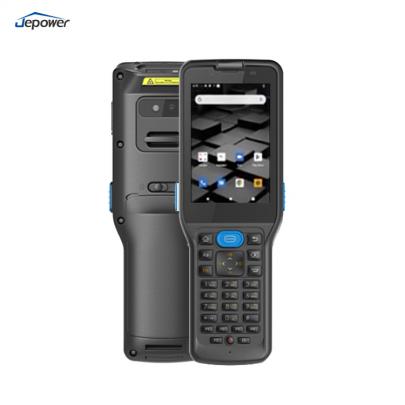
android 12 Barcode Scanner pda with Reader 1D/2D scanner Android handheld pda device model:HT518-V350 Android12 3GB RAM + 32GB ROM 3.5nch More
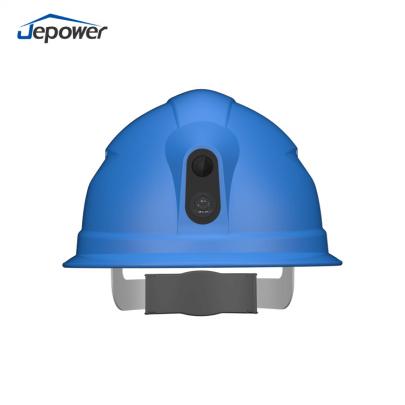
4G Smart hard hat with Camera Live streaming camera for construction model:M3702-02A 4G/call/position/Hazard Alert/camera More
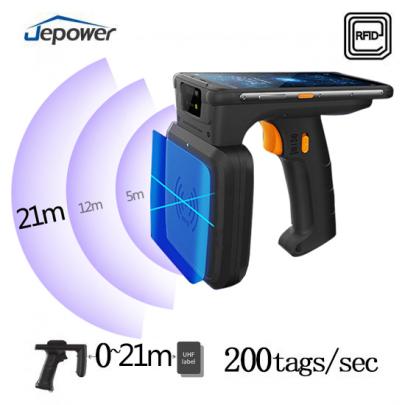
Android 14.0 Handheld pda 5.45inch PDA UHF RFID Reader scanner 21m Long Range rfid scanner Model:R20 4GB+64GB Android 14.0 Touch screen 5.45inch More
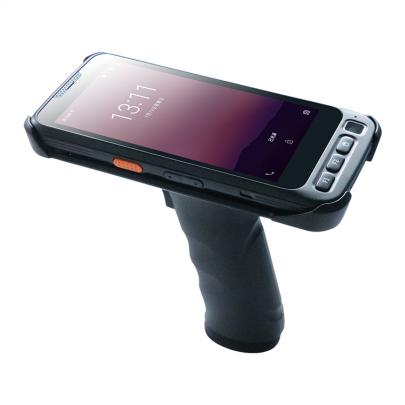
pda android scanner handheld rfid reader Android 15.0 Fingerprint Touch screen 5 inch Handheld pda barcode scanner android PDA handheld rfid reader price model:HT518-R7 Android 15.0 Zebra SE4710 5inch RAM 4GB+ROM64GB More
Our enquiry
How to use Jepower desktop palm swipe payment terminal?
With the rapid development of digital payments, consumers are increasingly demanding convenience and security in payment methods. The Jepower desktop palm-scanning payment terminal uses advanced palm vein recognition technology to provide a fast and secure payment experience through a contactless method. This article introduces its usage, applicable scenarios, and advantages in real-life applications.
The Jepower desktop palm-scanning payment terminal is easy to operate, making it suitable for consumers of all ages. Here’s how to use it:
Register Palm Vein Information: For first-time use, users need to register their palm vein information in the system. Since each person’s palm vein pattern is unique, it offers high security.
Payment Process: At the checkout counter, users simply hover their palm over the terminal. The terminal uses infrared technology to capture the palm vein image, matching it with information in the database. Upon identity confirmation, the payment is completed.
System Confirmation and Payment: Once the payment information is confirmed, the system deducts the amount from the user’s linked account. This entire process only takes a few seconds.
This palm-scanning payment method does not require a physical card, phone, or any other device, making it quick and convenient. It not only reduces physical contact in the payment process but also protects the user’s privacy.
The Jepower desktop palm-scanning payment terminal is ideal for various high-traffic scenarios, particularly in retail, dining, education, and healthcare, where it can significantly improve efficiency.
Retail Industry
In shopping malls, supermarkets, and convenience stores, the Jepower palm-scanning payment terminal can replace traditional cash or QR code payment methods. Customers simply scan their palms to complete payment, which speeds up the checkout process, especially during peak hours, reducing wait times.
Food and Beverage Industry
In fast-food restaurants, coffee shops, and cafeterias, palm-scanning payment can improve checkout speed. Consumers don’t need to carry a wallet or phone, making it ideal during busy dining hours. Additionally, businesses can integrate the palm-scanning system with their membership programs for identity verification and loyalty points management.
Healthcare Industry
In hospitals and pharmacies, the Jepower palm-scanning payment terminal can be used for outpatient registration, payment, and prescription pickup. Patients can quickly complete payments, reducing wait times and minimizing the risk of cross-contamination from physical contact, thereby enhancing service efficiency in medical facilities.
Education Sector
In campus cafeterias and stores, students can make purchases through palm-scanning payment. Parents can also link accounts for remote top-up and transaction record checking, making on-campus purchases safer and more convenient for students.
Background: A large fast-food chain serves a high volume of customers daily, particularly during peak hours. Traditional payment methods lead to long queues, negatively impacting the customer experience. To improve checkout speed, the chain decided to introduce the Jepower desktop palm-scanning payment terminal.
Implementation Process: The restaurant installed Jepower palm-scanning payment terminals at the checkout counters. During their first transaction, customers simply register their palm vein information. For subsequent transactions, customers can make payments directly by scanning their palms—a simple, smooth process.
Impact Analysis:
Increased Checkout Efficiency: During peak hours, palm-scanning payment saves 40% more time compared to QR code payments, significantly reducing customer wait times.
Improved Customer Experience: Many customers express great interest in the innovative palm-scanning payment method, noting that it’s quicker and more convenient than QR code scanning.
Enhanced Security and Data Management: The palm-scanning system is directly linked to customers’ accounts, eliminating the need for physical cards or cash, reducing the risk of theft, and increasing payment security. Additionally, businesses can use the system for membership identification and data analytics to support marketing strategies.
Previous :
What is a locatable POS terminal?Next :
AI voice to control smart helmets Floor 3, Building B, No. 257, Junye Road, Economic And Technological Development Zone, Guangzhou, Guangdong, China
If you are interested in our products and want to know more details,please leave a message here,we will reply you as soon as we can.




Copyright © 2015-2026 GuangZhou Jepower Technology Co.,Ltd.All Rights Reserved.
Friendly Links :
Android Pos Terminal


